
Windows 11 25H2 vs 26H1: 2026 Admin Comparison and Upgrade Guidance
Disclosure and evaluation basis
This comparison is written for authorised IT administrators evaluating tools for business environments. Editorial conclusions are independent: advertisers, sponsors, and vendors do not control ratings, rankings, verdicts, or recommendations.
We evaluate operational fit, deployment effort, permissions and security model, supportability, rollback options, documentation quality, and licensing clarity. Pricing, packaging, features, support terms, and availability can change, so verify current details with the vendor before purchasing or renewing.
Use Windows 11 25H2 as the normal feature update target for existing managed fleets. Treat 26H1 as a device-scoped release for eligible new hardware, not as a broad in-place upgrade from 24H2 or 25H2.
This page is an operator decision framework based on documented product capabilities and the facts already in this article. It is not a lab test, benchmark, or fabricated evaluation.
This comparison is for Windows endpoint admins planning 2026 feature update policy in Intune, Windows Update for Business, Autopatch, WSUS, or Configuration Manager. It explains when Windows 11 25H2 is the normal managed fleet target and when Windows 11 26H1 is relevant for new eligible hardware.
The key point is scope. Microsoft's Windows 11 release information says Windows 11 26H1 is scoped to support new devices that come to market in early 2026 and is not designed as an in-place feature update from 24H2 or 25H2 on existing devices.
Quick Comparison: Windows 11 25H2 vs 26H1
| Admin question | Windows 11 25H2 | Windows 11 26H1 | Practical answer |
|---|---|---|---|
| Availability date | 2025-09-30 | 2026-02-10 | Both are current servicing releases in June 2026 |
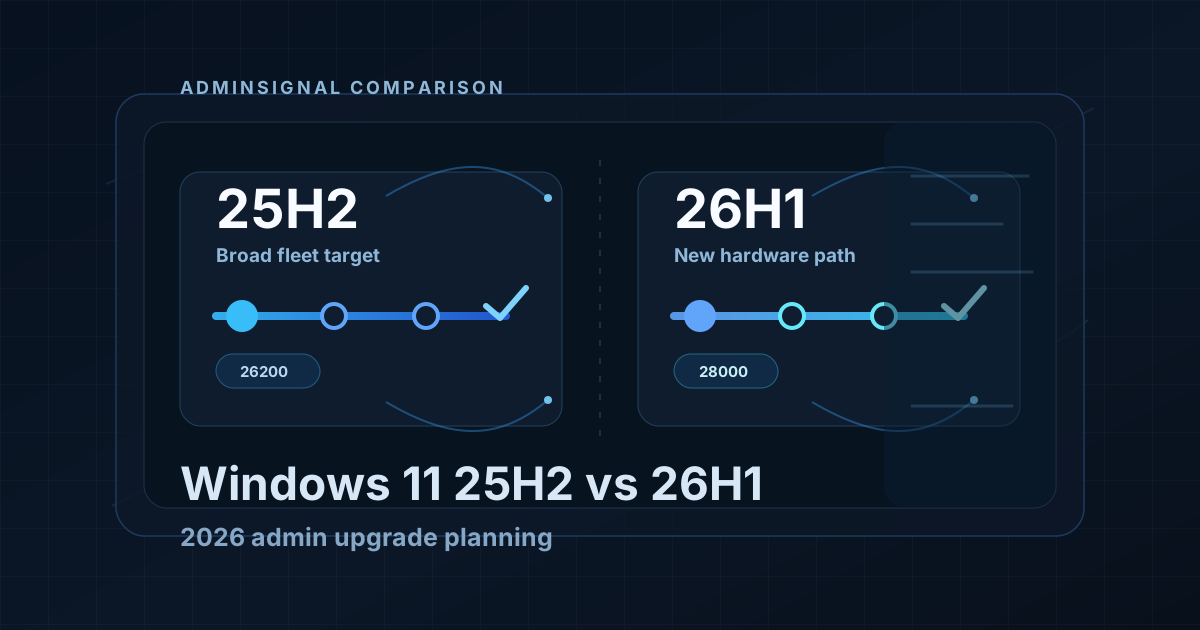
| OS build family | 26200 | 28000 | Use build family checks in reporting and compliance logic |
| Existing 24H2 or 25H2 fleet upgrade | Normal feature update target | Not offered as an in-place update from 24H2 or 25H2 | Keep existing managed fleets on a 25H2 plan unless Microsoft changes servicing scope |
| New hardware in 2026 | Suitable for most managed Windows 11 endpoints | Relevant where the device ships with, or is explicitly supported for, 26H1 | Validate by device model and OEM image, not by broad policy |
| Intune feature update targeting | Use feature update policies and rings as normal | Do not assume it appears as a normal feature update target for existing devices | Test in a small hardware-specific ring |
| Best default for most admins | Yes | No, unless the hardware requires it | 25H2 remains the safer baseline for broad estate planning |
What Microsoft Says About 26H1
For admin planning, the most important Microsoft statement is not a feature list. It is that 26H1 is device-scoped and not designed as a normal in-place upgrade from 24H2 or 25H2.
That changes the decision:
- Do not build a broad Windows Update for Business or Intune feature update plan around moving existing 25H2 devices to 26H1.
- Do review 26H1 when buying new early-2026 hardware that ships with it or is documented by the OEM as requiring it.
- Do keep reporting logic aware of both build families so 26H1 devices are not misclassified as outliers.
Key Differences for Admins
Servicing and Upgrade Path
Windows 11 25H2 is the practical target for most existing enterprise endpoints. It fits the normal feature update planning model: pilot, expand, pause if needed, and report compliance through Intune, Windows Update for Business reports, ConfigMgr, or your own inventory exports.
Windows 11 26H1 needs a different handling model. Treat it as a supported release for specific new devices, not as the next broad branch for the whole estate.
Intune and Update Rings
For Intune-managed fleets, keep feature update policies explicit. If your policy should hold existing devices on 25H2, target 25H2 directly rather than using a vague "latest" approach.
For 26H1 devices, use a separate dynamic group or hardware-specific assignment model. Track build family, OEM model, Autopilot profile, update ring, and compliance policy separately until the device class is proven stable.
Reporting and Compliance
Update reporting should not flag 26H1 devices as unmanaged simply because they are outside the 25H2 build family. At the same time, do not treat 26H1 as a required target for devices that Microsoft does not offer an in-place path for.
Useful checks include:
- OS build family: 26200 for 25H2 and 28000 for 26H1.
- Device model and processor family.
- Whether the device shipped with 26H1.
- Whether the device is assigned to a 25H2 feature update policy, a 26H1-specific ring, or a hold group.
- Whether compliance policies use minimum build logic that accidentally excludes 26H1.
Recommended Approach in June 2026
| Scenario | Recommended handling | Reason |
|---|---|---|
| Existing managed Windows 11 24H2 devices | Plan the normal move to 25H2 | 26H1 is not offered as an in-place upgrade from 24H2 |
| Existing managed Windows 11 25H2 devices | Stay on 25H2 unless a specific hardware path requires otherwise | 25H2 is the broad fleet baseline |
| New devices that ship with 26H1 | Pilot 26H1 in a separate hardware ring | Validate drivers, security baselines, Autopilot flow, update reporting, and support model |
| Regulated or change-controlled environments | Keep 25H2 as the standard branch | Avoid adding a device-scoped release to broad policy without a requirement |
| Mixed estate with some 26H1 hardware | Segment by hardware and build family | Prevent compliance and reporting noise |
Final Recommendation
As of June 2026:
- Use Windows 11 25H2 as the normal enterprise feature update target for existing managed fleets.
- Treat Windows 11 26H1 as a separate path for eligible new hardware, not as a general replacement for 25H2.
- Keep Intune update rings, Autopatch assignments, and compliance policies explicit so 25H2 and 26H1 devices are measured correctly.
Most organisations should only run 26H1 where hardware or procurement creates a real need. For the rest of the estate, a controlled 25H2 rollout is the cleaner operational plan.
Operational Decision Framework For Endpoint Teams
Use this sequence before changing broad feature-update policy:
- Confirm the servicing path for each hardware class: in-place upgrade available, OEM ships with 26H1 only, or hold on 25H2.
- Separate rings by build family, not by department alone. A finance pilot ring that mixes 25H2 and 26H1 hardware will create false compliance noise.
- Update Autopilot and ESP expectations for any model that boots into a different build family than your documentation assumes.
- Recheck security baselines after the first 26H1 pilot wave: Defender platform version, Secure Boot state, BitLocker protectors, and any CIS or custom hardening packs.
- Train helpdesk on which build strings are expected so “wrong OS version” tickets are triaged correctly.
When Not To Broaden 26H1
Do not expand 26H1 beyond required hardware when:
- Application certification is still tied to the 25H2 build family
- Your feature update policy language says “latest” without an explicit target release version
- Compliance policies use minimum build logic that cannot express two supported families cleanly
- Driver or firmware quality for the new silicon class is still failing pilot machines
- Change control expects one estate-wide Windows 11 target and cannot accept segmented ownership
In those cases, keep 25H2 as the standard and isolate 26H1 to procurement-driven exceptions with named owners.
Validation Evidence To Collect
| Check | Why it matters | Example evidence |
|---|---|---|
| Build family inventory | Prevents one policy treating two releases as one | Intune or Graph export of OS version and model |
| Update assignment map | Stops accidental broad offers | Feature update policy targets and group membership |
| Autopilot success rate | New hardware often fails at provisioning first | ESP failure reasons, enrollment times |
| Security baseline drift | New builds can surface deprecated or missing settings | Baseline report, Defender health, BitLocker status |
| App readiness | LOB owners need a clear test matrix | Sign-off list by application and build family |
Procurement And Lifecycle Note
Hardware buyers and endpoint engineers need a shared rule:
- Default corporate catalogue stays on models and images aligned to the broad 25H2 target where possible
- Silicon or OEM SKUs that require 26H1 are ordered only into a labelled exception catalogue
- Exception devices get a distinct Autopilot profile, update ring, and support article from day one
Without that rule, procurement creates an unmanaged second fleet and the update team discovers it through compliance failures.
Primary Sources
- Windows 11 release information
- Windows Update for Business feature updates
- Intune feature update policies
- Windows Autopilot overview
Related Reading

Jack Hadcroft
LinkedInBand 6 Endpoint Specialist and author of AdminSignal
Technical claims are reviewed against current Microsoft documentation. Lab or tenant checks are named only when they were done.
Independent publication. About · Editorial policy