
Intune Opt-In MDM Enrollment: When To Block Automatic Enrollment at Sign-In
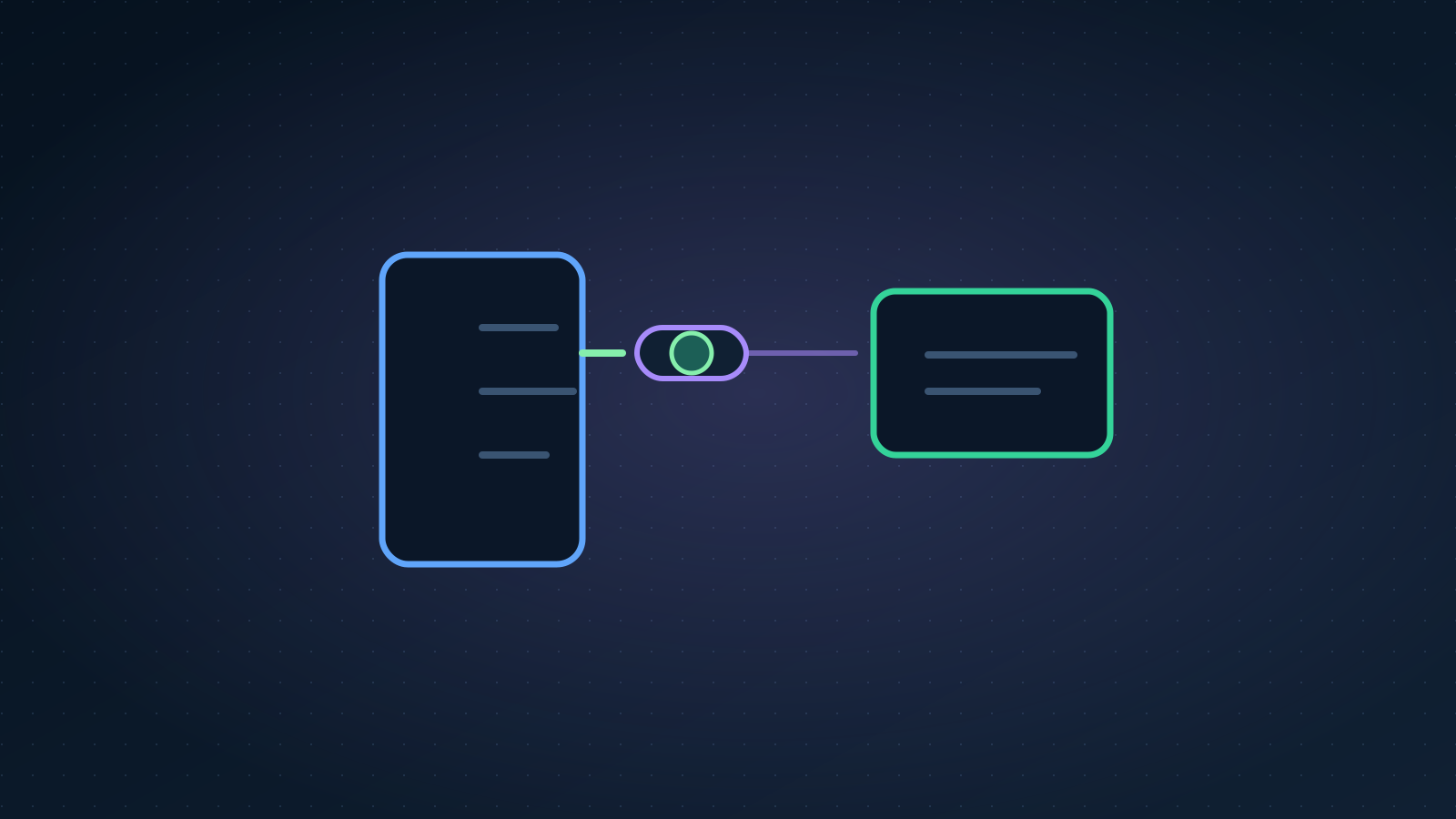
When a user adds a work or school account through a modern Windows app sign-in flow, the device can automatically enroll into your Intune tenant. That is convenient for corporate-owned estates. It is painful for BYOD, shared devices, contractor laptops, and multi-tenant users who never intended full MDM management.
Microsoft's opt-in MDM enrollment public preview lets administrators block automatic enrollment at sign-in and require an explicit enrollment action instead. This article explains when to enable it, how to pilot without breaking Autopilot, what to tell users, and how to verify the outcome.
Use this with Autopilot Enrollment Status Page Stuck, Autopilot Device Not Importing Hardware Hash, and the Intune hub.
The Problem Automatic Enrollment Creates
Automatic MDM enrollment at sign-in assumes the device owner accepts organisational management. In practice, admins see:
- Personal laptops enrolled after a user opens Outlook or Teams
- Contractor devices receiving compliance and wipe-capable policy
- Multi-tenant users enrolled into the wrong tenant during a secondary account sign-in
- Helpdesk tickets from users who did not understand their personal device was now managed
The operational cost is not the enrollment itself. It is the cleanup: retire the device object, explain data boundaries, and sometimes rebuild trust with users who thought BYOD meant "apps only."
What The Preview Control Changes
With opt-in enrollment enabled:
- The documented modern app sign-in flow no longer offers MDM enrollment; Windows Settings enrolment is a separate path
- Enrollment requires an explicit action: Company Portal enrollment, Settings enrollment path, Autopilot, or another approved method you document
Corporate-owned Autopilot and pre-provisioned flows remain valid enrollment paths when you design them deliberately. The control targets the accidental enrollment path at interactive sign-in.
Decision Matrix: Enable Or Keep Automatic Enrollment
| Environment profile | Recommendation |
|---|---|
| Corporate-owned only, Autopilot standard | Keep automatic enrollment unless BYOD also exists |
| Mixed corporate and personal devices | Strong candidate for opt-in |
| Contractor / partner access on unknown hardware | Enable opt-in and pair with MAM where possible |
| Multi-tenant user population | Enable opt-in; document per-tenant enrollment expectations |
| Kiosk or shared devices with dedicated enrollment | Usually unaffected; validate Autopilot profile still applies |
If you use Conditional Access device compliance, decide how opt-in enrollment interacts with "require managed device" for users who have not enrolled yet.
Pilot Design
Validate in a test tenant first. The documented control is an automatic-enrolment setting; this guide does not establish a separate per-group assignment capability for the toggle. A group of test users is a test cohort, not proof that the setting is limited to them.
Pilot group
Create an Entra ID security group:
Pilot-OptIn-MDM-Enrollment-Users- Start with IT staff and a small business unit that understands BYOD boundaries
Pilot devices
Include at least:
- One corporate Autopilot device (confirm corporate path still works)
- One personal BYOD laptop
- One re-imaged device used for sign-in testing only
Success criteria
| Test | Pass condition |
|---|---|
| BYOD sign-in to Outlook | Device does not auto-enroll |
| Intentional Company Portal enrollment | Device enrolls and receives expected policies |
| Autopilot corporate device | Still enrolls through OOBE without user confusion |
| Helpdesk documentation | Users can follow published enrollment steps |
User Communication Template
Publish before enabling the control:
What changed: Signing into work apps on a personal device no longer automatically enrolls that device for full management.
If you need access to managed resources from a personal device: Install Company Portal and complete enrollment using the steps here:
<link>.If you use a company laptop provisioned by IT: No action required — your device is enrolled through the standard corporate process.
Clear comms reduce helpdesk volume more than any portal toggle.
Portal Configuration Steps
In the Intune admin centre, open the automatic MDM enrollment settings and locate Disable MDM enrollment when adding a work or school account on Windows. Setting it to Yes removes the app-sign-in MDM enrolment prompt while preserving intentional enrolment paths. The Microsoft announcement explicitly excludes Windows Settings-based enrolment from this control.
Record the current toggle and MDM user scope, confirm the supported tenant controls and permissions, then validate the change in a test tenant. Do not invent a pilot-group assignment in this workflow or broaden MDM user scope simply to match an example. A production tenant-level change needs its own change window, user communications and rollback owner.
Validation On The Device
After a pilot user signs in on BYOD hardware:
- Open Settings > Accounts > Access work or school
- Confirm the account is present
- Check whether an MDM enrollment entry exists
- In Intune, search for the device — it should not appear until intentional enrollment
For intentional enrollment validation:
- User installs Company Portal
- User completes enrollment
- Confirm Devices > Windows devices shows the device with expected ownership type and policies
If enrollment fails, use Intune Device Not Syncing and Autopilot ESP stuck depending on the path.
Coexistence With Autopilot And Corporate Ownership
Corporate-owned Autopilot devices should not depend on post-sign-in automatic enrollment. If they do, fix Autopilot profile assignment and ESP configuration before enabling opt-in tenant-wide.
Checklist:
- Hardware hash registered
- Classic Autopilot profile assigned to the expected device group, or device preparation policy assigned to the intended users with its selected device group
- Classic ESP blocking apps or the separate device preparation app list validated for that flow
- Enrollment Status Page logs reviewed on a fresh test device
See Autopilot v1 vs Device Preparation v2 for the corporate enrolment choice.
Graph And Reporting Checks
After pilot rollout, verify device counts:
Connect-MgGraph -Scopes "DeviceManagementManagedDevices.Read.All"

Get-MgDeviceManagementManagedDevice -Filter "managementAgent eq 'mdm'" -All |
    Select-Object deviceName, managedDeviceOwnerType, enrolledDateTime, lastSyncDateTime |
    Sort-Object enrolledDateTime -Descending |
    Select-Object -First 20
Compare enrollment timestamps with the pilot enablement date. Unexpected new BYOD enrollments after the change suggest automatic enrollment is still occurring for some path.
Rollback
If pilot fails:
- Restore the recorded tenant setting through the approved change process
- Verify the resulting app-sign-in and intentional-enrolment behaviour
- Retire incorrectly enrolled devices after confirming no compliance wipe actions are queued
- Update user comms with corrected instructions
Document whether failure was portal scope, cached device state, or user workflow.
Prevention Checks
- Review enrollment monthly for personal device ownership types you did not expect
- Keep BYOD guidance linked from Company Portal and onboarding email
- Re-test Autopilot after any change to Windows enrollment settings
- Align opt-in policy with MAM app protection for true BYOD app-only scenarios
Related Resources
- Autopilot Enrollment Status Page Stuck
- Autopilot v1 vs Device Preparation v2
- Conditional Access Microsoft 365 Policy Map
- Intune Device Not Syncing
- Microsoft Intune hub
Source
This operational guide is based on the official Intune Customer Success opt-in enrollment post published by Microsoft on March 5, 2026, extended with pilot design, validation, and communication steps for enterprise administrators.
Correction record
10 September 2026 — Reviewed against documentation: Corrected app sign-in versus Windows Settings scope, removed unsupported pilot-group assignment steps and separated classic Autopilot from device preparation.

Jack Hadcroft
LinkedInBand 6 Endpoint Specialist and author of AdminSignal
Technical claims are reviewed against current Microsoft documentation. Lab or tenant checks are named only when they were done.
Independent publication. About · Editorial policy